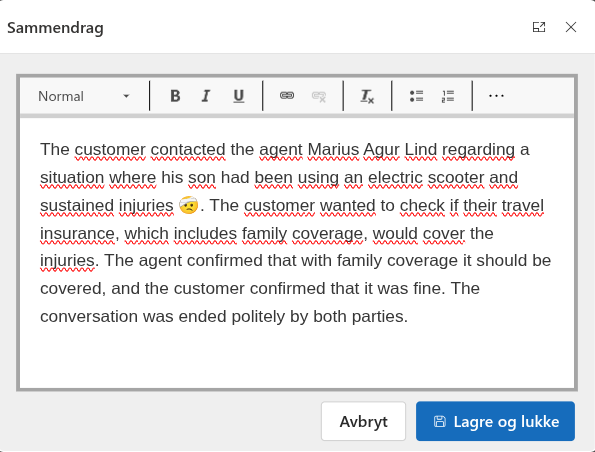
We recently had a request to do something about the conversation summary in Dynamics 365 Contact Center. The summary itself is working well, but they wanted to be able to edit before saving, and automate how and where it's stored.
In this post I'll go through the steps necessary to automate this.
Adding a trigger and generating the summary
As part of this we had to investigate the client side SDK. Now, Microsoft has some outdated documentation for this SDK (updated July 2nd 2025 at the time of writing), so it's time to dive into the browser console.
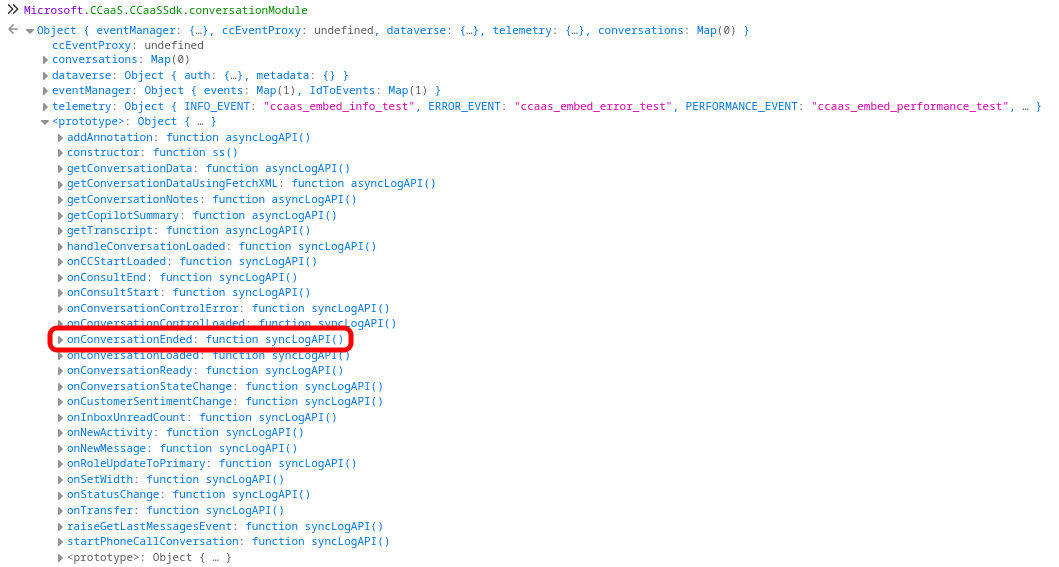
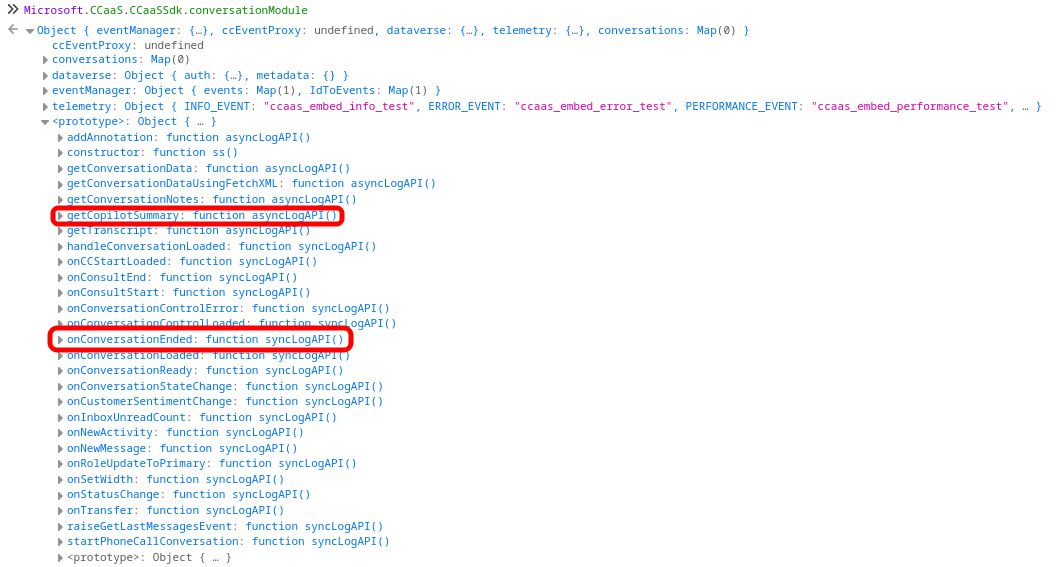
Looking into the Microsoft.CCaaS.CCaaSSdk library we find the conversationModule. It has some useful functions for getting conversation data, starting a phone call conversation (smells like an upcoming blog post?), etc. But the two interesting finds are the getCopilotSummary and the onConversationEnded functions.
Generating a summary
Looks like a match made in heaven right there, so we'll create a library and add to the conversation form. First let's add a function to actually generate the summary (I leave it in your hands to add proper error detection and handling, you're welcome)
window.agur = window.agur || {};

(function (namespace) {
    namespace.generateSummary = async function () {
        const conversationId = await Microsoft.Omnichannel.getConversationId();

        for (let attempts = 0; attempts < 20; attempts++) {
            try {
                const data = await Microsoft.CCaaS.CCaaSSdk.conversationModule.getCopilotSummary(conversationId);
                return data?.summary ?? null;
            } catch (e) {
                await new Promise(resolve => setTimeout(resolve, 250));
            }
        }

        return null;
    };
})(window.agur);
First we use the omnichannel module to get the conversation id, then use the ccaas conversation module to generate the summary, and finally return it.
Spoiler alert: The reason I have the for loop is that after testing this for a bit we found that sometimes we have to wait a little while after conversation has ended before the summary will generate. It seems to be fairly random, so to bypass the whole issue we have a timeout of 250ms, and retrying up to 20 times (5 seconds) before we give up.
Adding a function to conversation end
Now we just need a way to trigger it, so we expand the code with this little function which runs when the form is loaded:
namespace.onLoad = function (executionContext) {
  Microsoft.CCaaS.CCaaSSdk.conversationModule.onConversationEnded(namespace.generateSummary);
};
Now what will happen is that the summary will be generated when the conversation end event triggers.
Putting it all together our script now looks like this:
window.agur = window.agur || {};

(function (namespace) {
    namespace.generateSummary = async function () {
        const conversationId = await Microsoft.Omnichannel.getConversationId();

        for (let attempts = 0; attempts < 20; attempts++) {
            try {
                const data = await Microsoft.CCaaS.CCaaSSdk.conversationModule.getCopilotSummary(conversationId);
                return data?.summary ?? null;
            } catch (e) {
                await new Promise(resolve => setTimeout(resolve, 250));
            }
        }

        return null;
    };

    namespace.onLoad = function (executionContext) {
        Microsoft.CCaaS.CCaaSSdk.conversationModule.onConversationEnded(namespace.generateSummary);
    };
})(window.agur);
Wrapping it all up
So now we have a way to trigger the Copilot summary automatically when the conversation ends, and we get the summary returned as a string value. Now we can do whatever we want with it.
For our specific use case we feed it to a dialogue box (custom page), which has a rich text editor allowing users to modify the text before it is stored as a custom activity on the timeline, as shown in the post's cover photo
Leave a comment below on your ideal use case for this